How it started
A backend engineering team at Zoro needed a front-end developer. Not a designer. A builder. Someone who could take their Django backend and put a working interface on it.
They didn't go to engineering. They came to me.
At that point, I was the most Cursor-proficient person in the design org. The Design in Code work had made that visible. When the question was "who can actually build this," the answer was a designer.
Zoro has never allowed a non-engineer to push code to a production database. This project is a pilot. If it works, it changes the design org's role permanently.
What the team was doing before
Zoro's Product Data Team reviews product information at scale. Datasets with hundreds of thousands of rows. Each row is a product attribute. A ball valve material, a fastener spec, a pipe fitting dimension. A model has generated a proposed normalized value, and a human needs to decide if it's right.
Before this tool: Google Sheets.
Hundreds of thousands of rows. Complex nested attribute data. Model outputs to compare against source values. Approval decisions, rejection reasons, corrected values. All of it managed in spreadsheets. It worked. It did not scale.
Before
Google Sheets
- —
Hundreds of thousands of product rows in a spreadsheet
- —
Manual decisions made one row at a time
- —
No structure for attribute types or field validation
- —
No bulk actions. Every change was individual
- —
Exports were .csv downloads with no downstream structure
After
HITL tool
- →
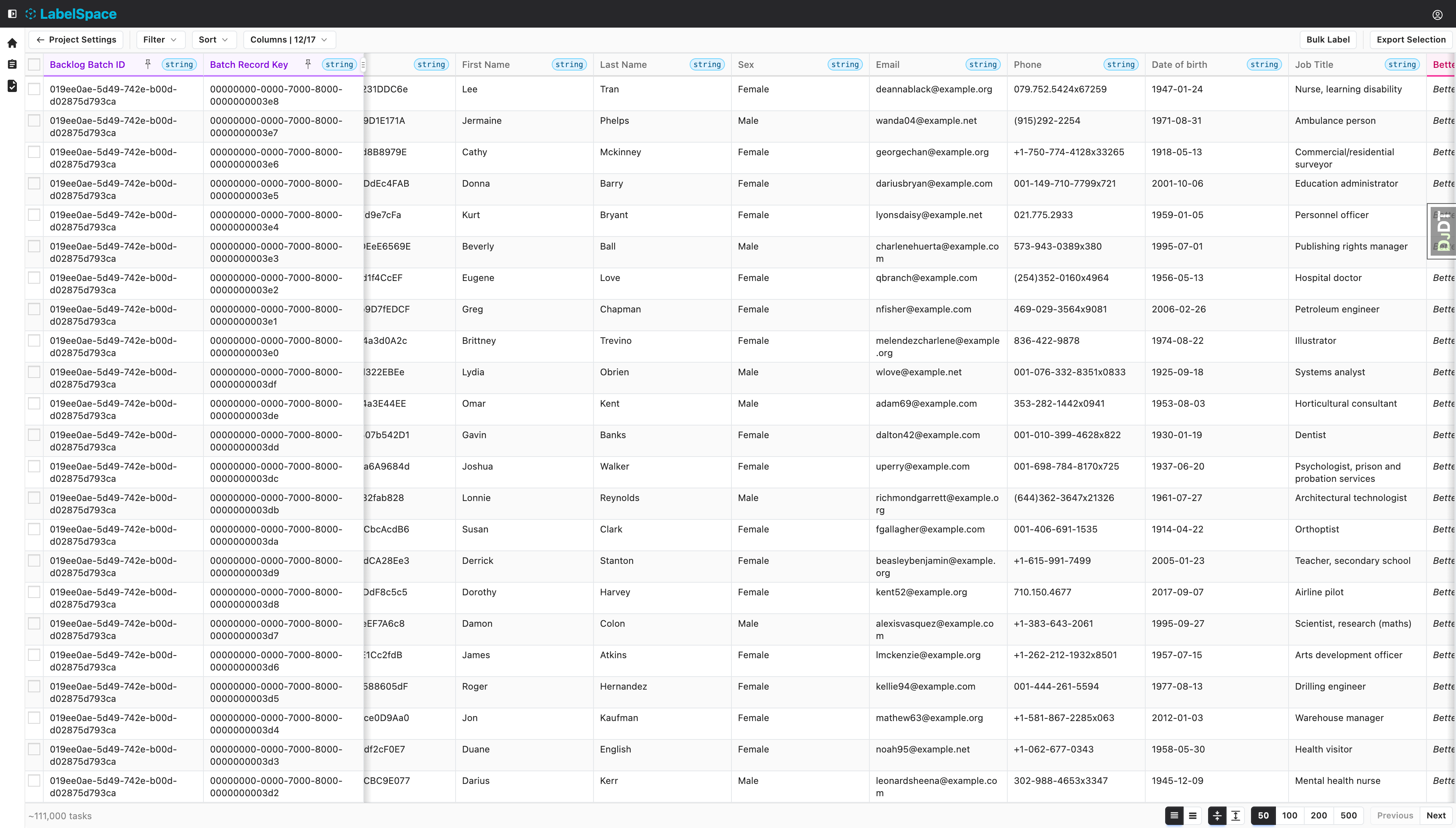
Structured data grid with row density controls
- →
Inline editing with field type enforcement
- →
Nested attribute inspector for complex product data
- →
Bulk action controls for high-volume decisions
- →
Normalized exports flowing directly downstream
The actual design problem
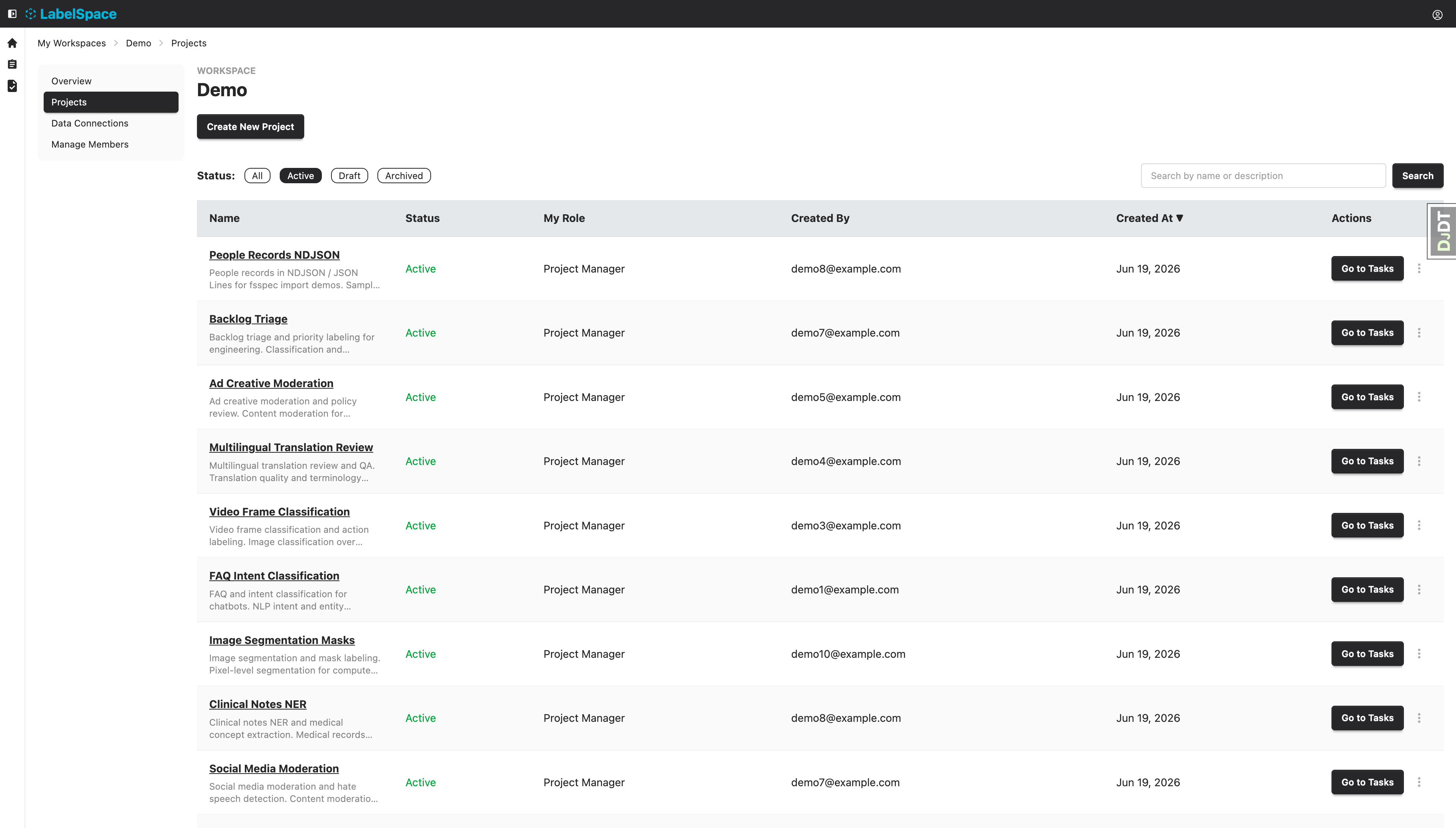
The obvious answer was something like Label Studio, an existing data labeling tool. The team tried it. It didn't work for this workflow.
Label Studio is built for one-record-at-a-time review. Click a row, evaluate it, move to the next one. For image tagging or text classification, that makes sense.
For this team, it was wrong. They needed to stay in the list. See hundreds of rows at once. Compare across records. Bulk approve a filtered set. Inspect a nested JSON blob without leaving the screen. Apply a rejection reason to thirty rows at once.
They needed spreadsheet speed with structure layered on top.
That's a different design problem than "make a labeling interface." It's closer to: redesign a spreadsheet workflow into a tool that can scale to a data operation.
What the tool does
The HITL tool gives the Product Data Team a high-density grid for reviewing product-information records. Each row contains a product identifier, the current value, a model-generated normalized suggestion, source attributes, and fields for the reviewer's decision.
The human judgment piece is specific. Is this output correct based on the source data? If not, what's the correct normalized value? Why was it wrong? Should this be flagged for higher-level review?
Users approve, reject, enter override values, apply reason codes, add comments, bulk-update filtered rows, and export reviewed data downstream. It's not annotation. It's structured QA on a product data operation.
Building it as a designer
I'm building the front-end in Cursor. That part isn't new. What's new is the stakes.
This isn't a prototype. It's production code, connected to a real database, used by a real team whose work depends on it running correctly.
I'm using ChatGPT to process engineering requirements into planning documents I can actually work from. Structured specs, broken into tasks, ready to feed into Cursor. It turns "here's what the backend does" into "here's what I need to build."
I'm also maintaining Confluence documentation throughout. Progress, decisions, issues, the nuances of a non-technical person building a production front-end. It's a record of the pilot as much as it is project documentation. If this becomes a model for other designers, that documentation is what makes it replicable.
System overview
Backend
Django
Python backend processing product catalog data. AI-assisted attribute extraction and classification.
Engineering team
Built by Sam
Front-end
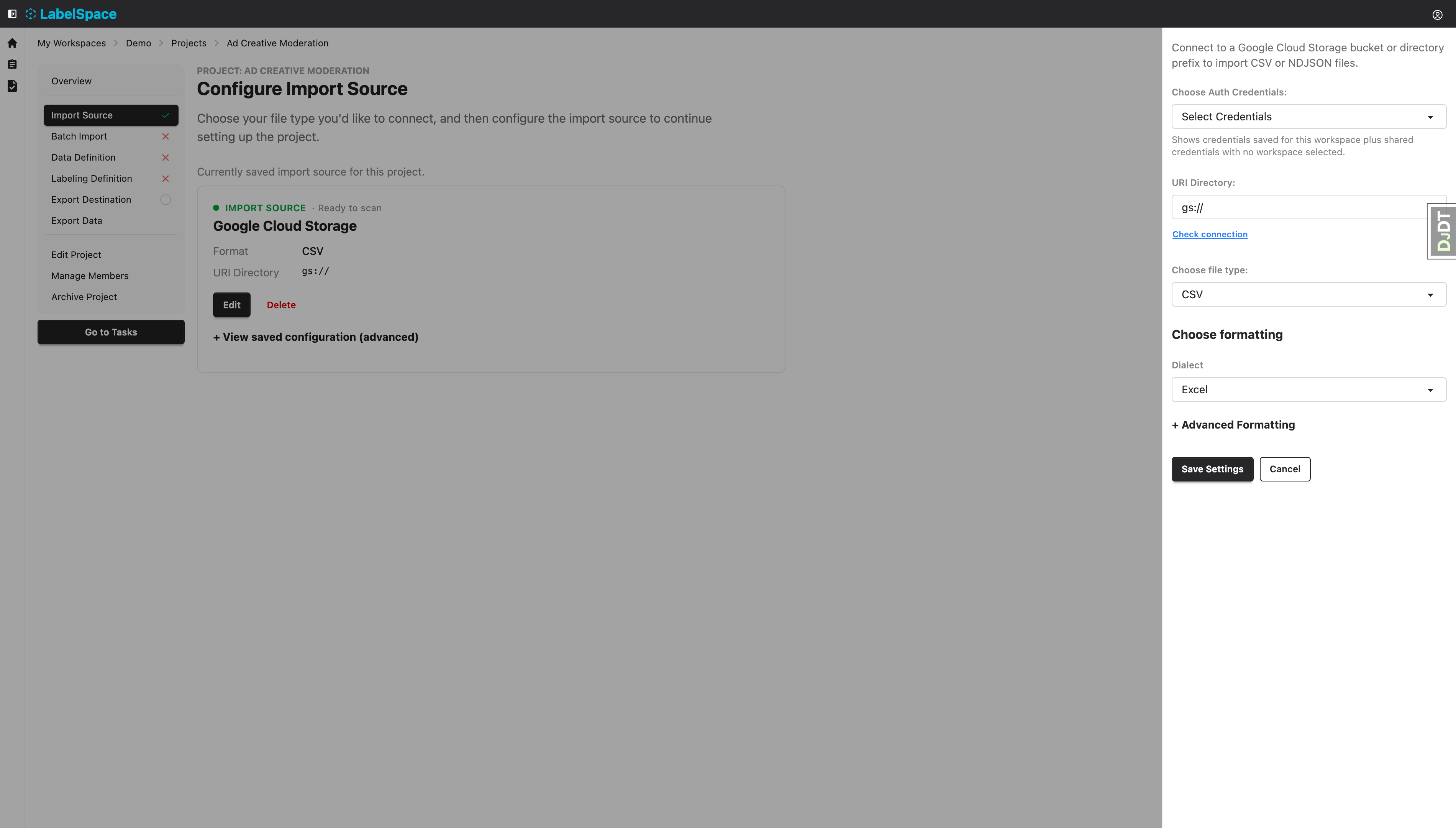
Vue/HTML interface built in Cursor. First non-engineer to push to a Zoro production database.
Users
Product data team
Reviews AI-classified attributes, makes judgment calls, approves bulk actions.
Internal team
Output
Normalized data
Structured, validated product attributes exported downstream to catalog and search.
What makes this different
Every other project in this portfolio, I was designing for users. This one, I'm building for users.
The design skills still matter. The grid has to communicate state. A reviewer needs to understand at a glance what they're looking at, what action is available, what's already been decided, and what happens when they make a change. That's still a design problem.
But the execution is engineering. And a backend team trusted a designer to do it.
That trust didn't come from a title or a job description. It came from a year of visible work. The prototype test. The hackathon. The component library. Each one built the case. This project is what the case was building toward.
What happens if it works
The pilot is the point.
Zoro has never let a non-engineer push to production. If this ships, the team uses it, and the data stays clean, it becomes a precedent. Designers who can code can build internal tools. Designers who can build internal tools can solve problems that weren't on engineering's roadmap.
That's a different design org than the one that existed a year ago.